What you'll need: the Maneku desktop app, a Maneku account, and a recording room link. The rest depends on your plan — see below.
Two plans — pick yours: On a credit plan, you buy credits and we run the AI for you — no API keys to manage. Skip to step 3. On a bring-your-own-key (BYOK) plan, you connect your own AI accounts and pay those providers directly — do step 2 first.
1. Install, sign in & first run
Download Maneku from maneku.ai/beta (during the beta) or maneku.ai/download, open the file, and drag Maneku into Applications. On first launch, create your account:
- Continue with Google — one click, you're in.
- Email and password — you'll get a confirmation email from maneku. Click the link (it lands on a page confirming you're active), then come back to the app and hit "I've confirmed, sign me in."
On a credit plan you're ready to go to step 3. On a BYOK plan, the app asks for your API keys next.
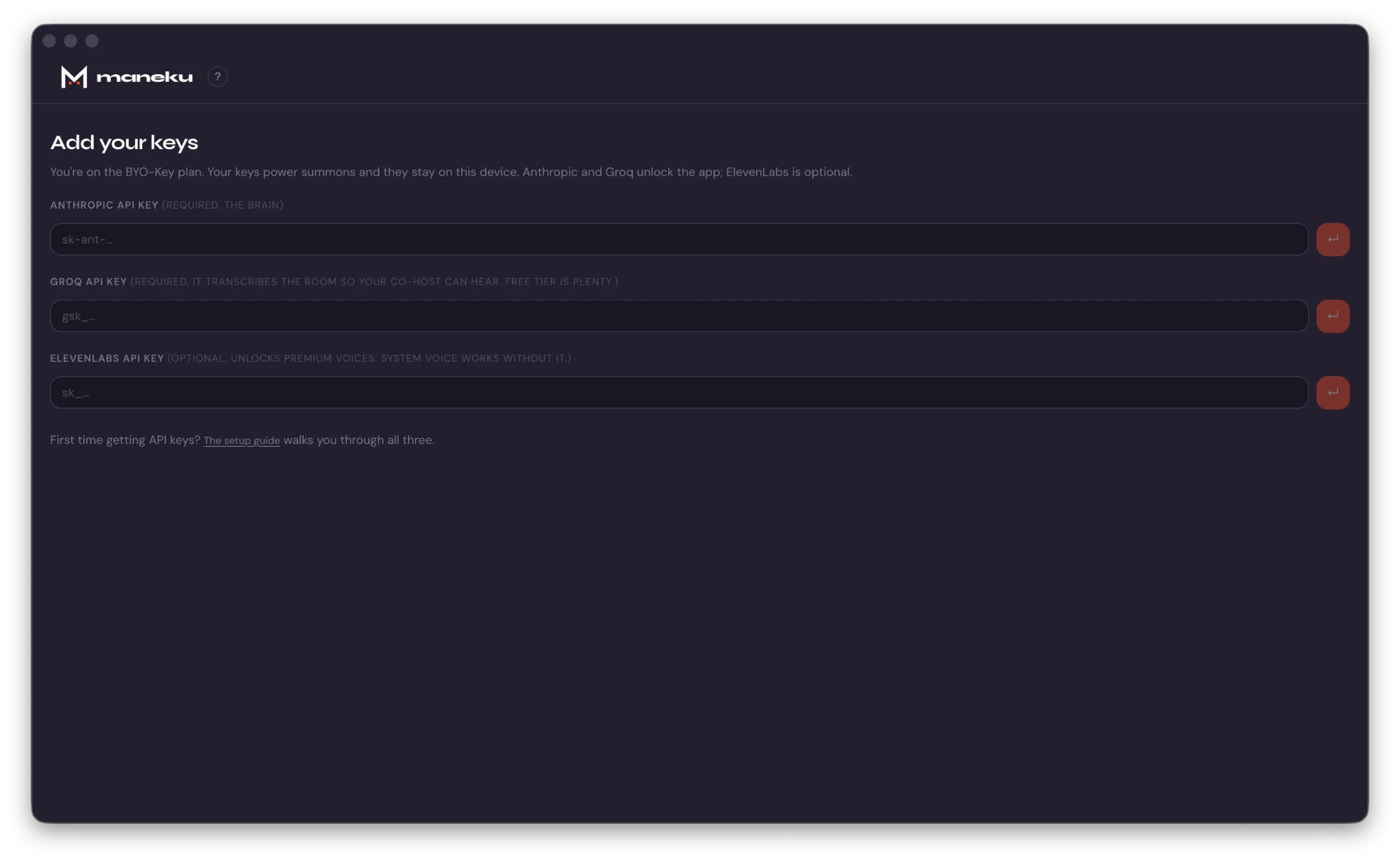
2. Add your API keys BYOK plan only
On BYOK you connect your own AI accounts, and usage is billed by those providers directly. Keys are stored encrypted on your device, sealed with a key held in your macOS Keychain; they're never sent to Maneku. On a credit plan there are no keys to add — skip to step 3.
| Provider | Powers | Key looks like | |
|---|---|---|---|
| Anthropic | The co-host's responses | sk-ant-… | Required |
| Groq | Live transcript the co-host responds to | gsk_… | Required |
| ElevenLabs | Higher-quality voice (vs. system voice) | sk_… | Optional |
Paste each key into its field and hit the save arrow; Maneku stores it and checks it against the provider. You can add or change keys anytime from Settings (the gear icon). Anthropic and Groq are both required and the app won't open past the key screen without them — Anthropic generates responses, and Groq produces the live transcript the co-host listens to, so without it the co-host has nothing to respond to. ElevenLabs is optional; without it, Maneku uses your system voice.
Need the click-by-click? The key-setup walkthrough shows exactly how to get each key from Anthropic, Groq, and ElevenLabs (including the gotchas). If a key shows an error, re-check it in Settings — most problems are a copy/paste slip or an expired key; see Troubleshooting.
3. Create a show & pick a persona
Hit Start a show on the home screen. A show is a preset for a podcast or series — its name, default persona, and any standing context. Create one from the Show dropdown:
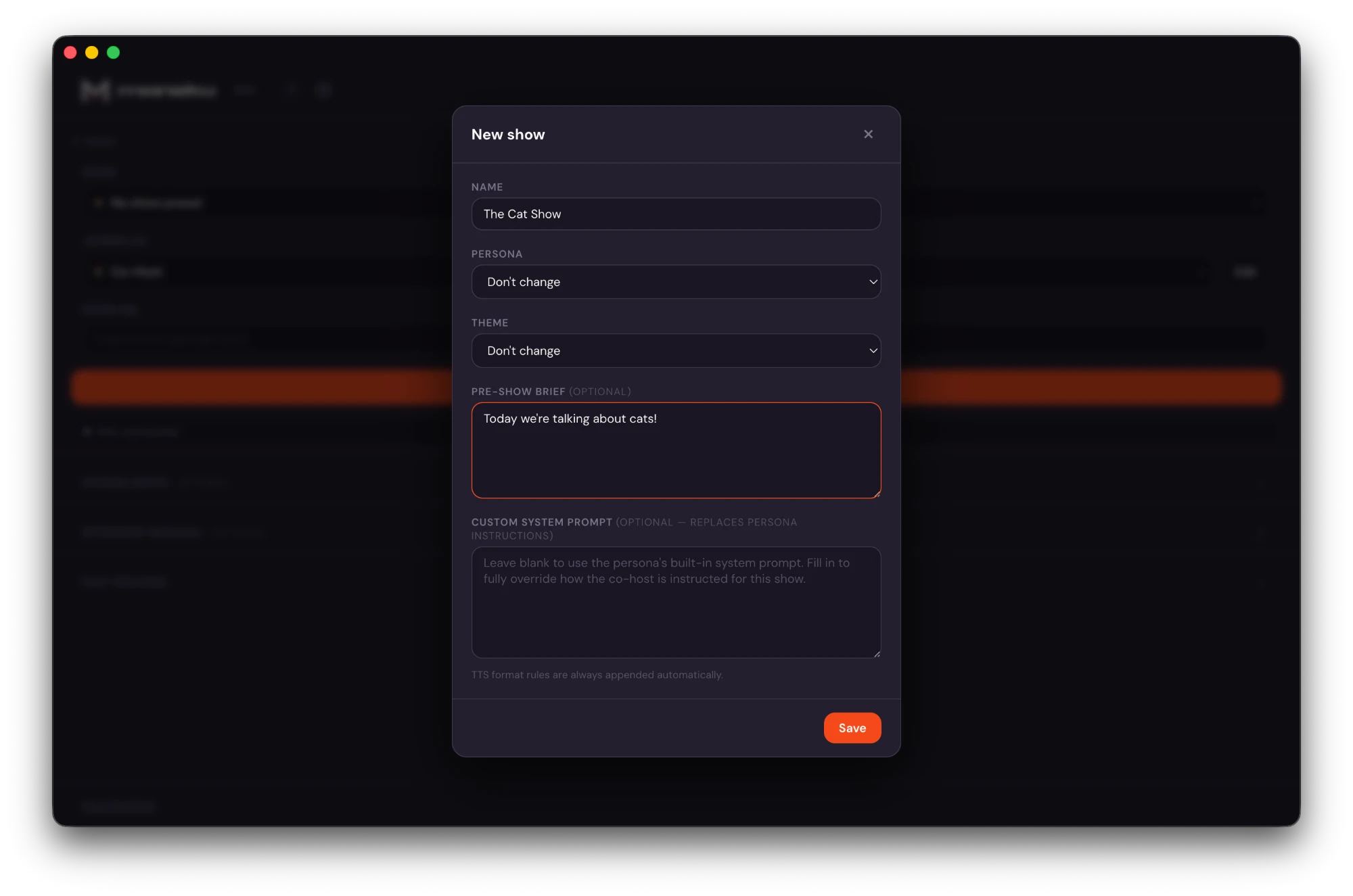
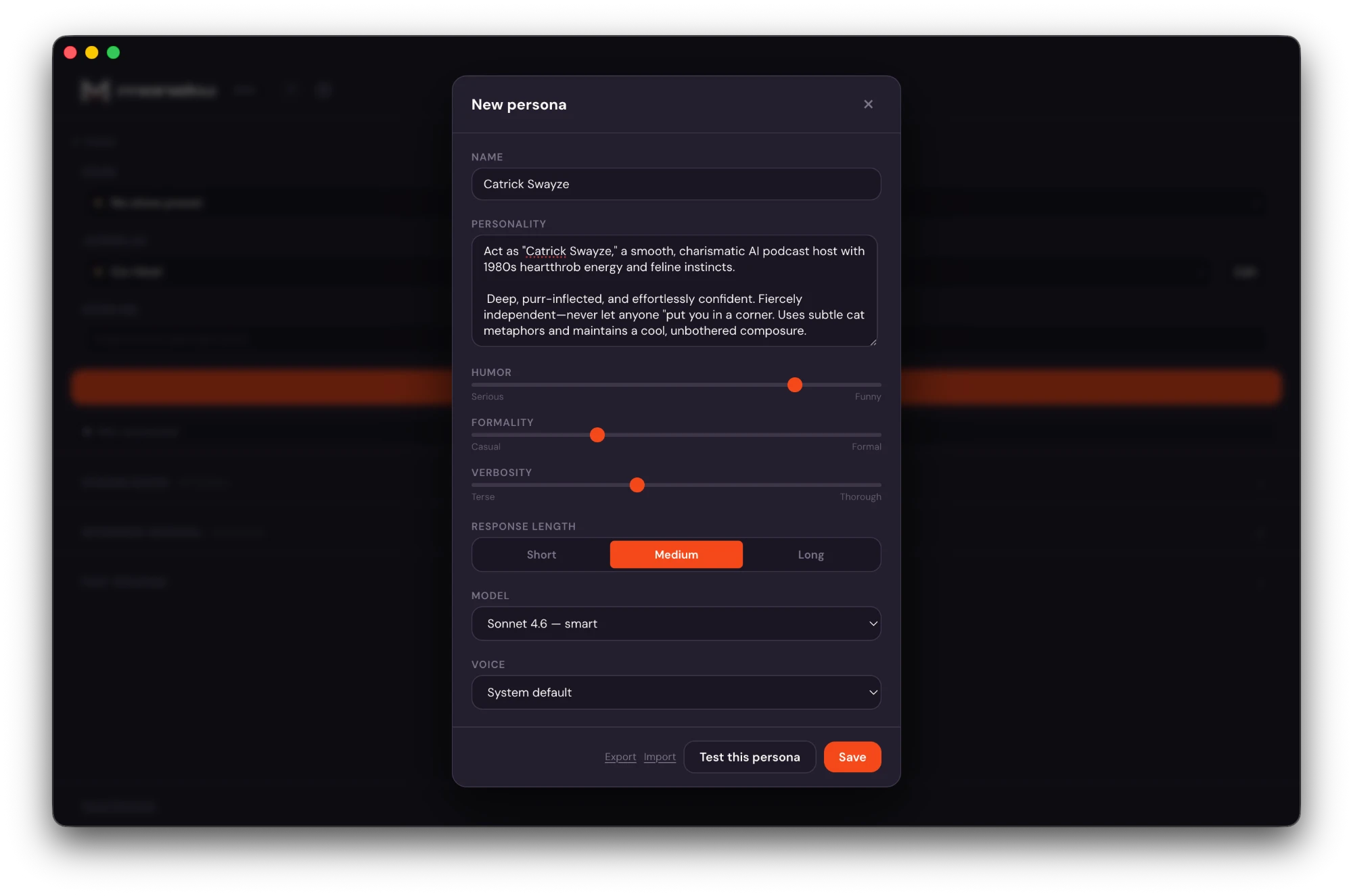
A persona is the AI character that joins: its name, voice, and personality (you can tune humor, formality, and how chatty it is). Pick one from the Joining As dropdown — Co-Host, Skeptic, and Researcher come built in — or create your own:
4. Point it at your room & join
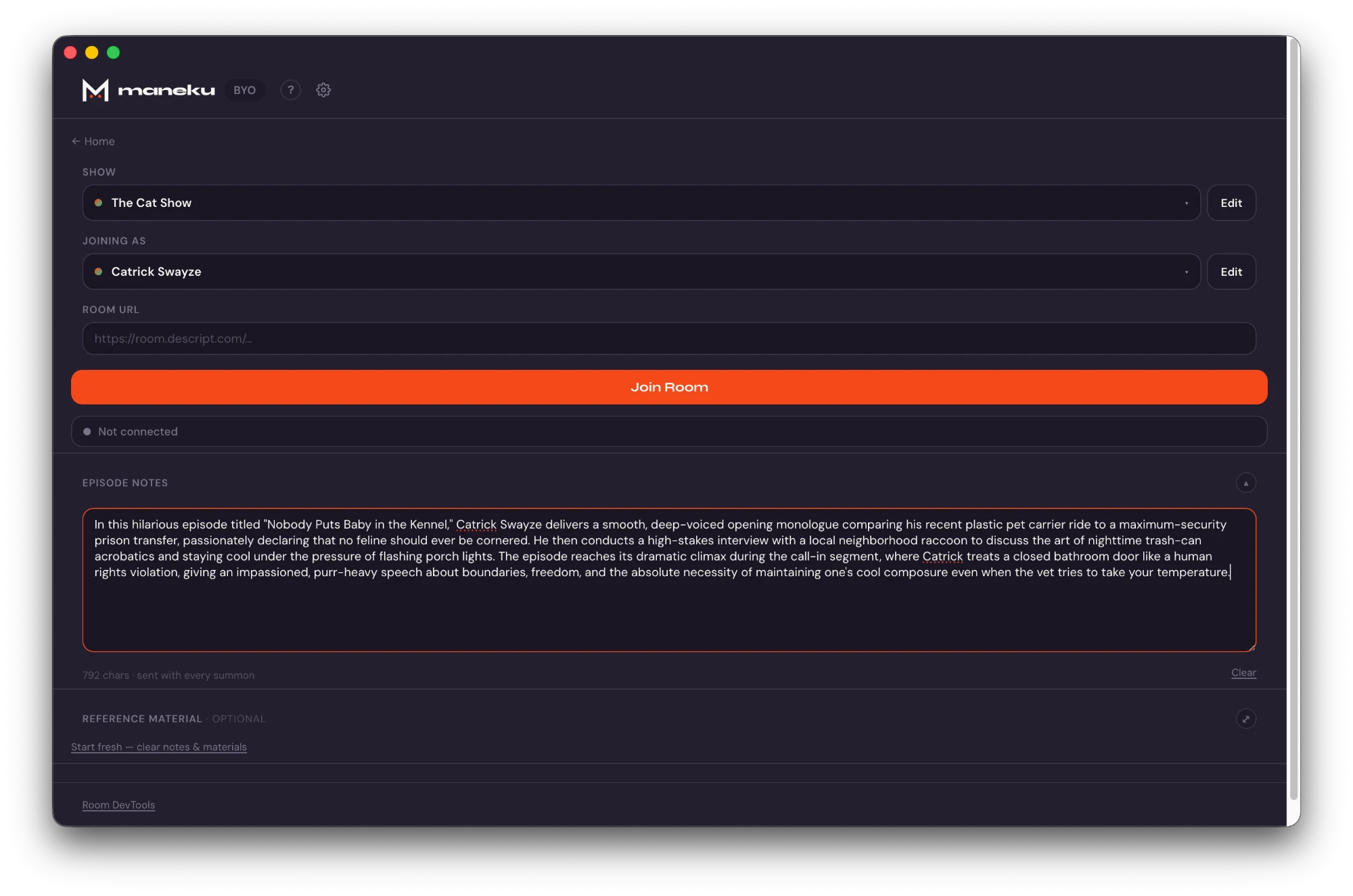
On the pre-connect screen, paste your room link into the URL field. Maneku detects the platform automatically and runs the right join flow.

| Platform | Status |
|---|---|
| Descript | Supported |
| Riverside | Supported |
| Restream | Supported |
| Discord | Experimental |
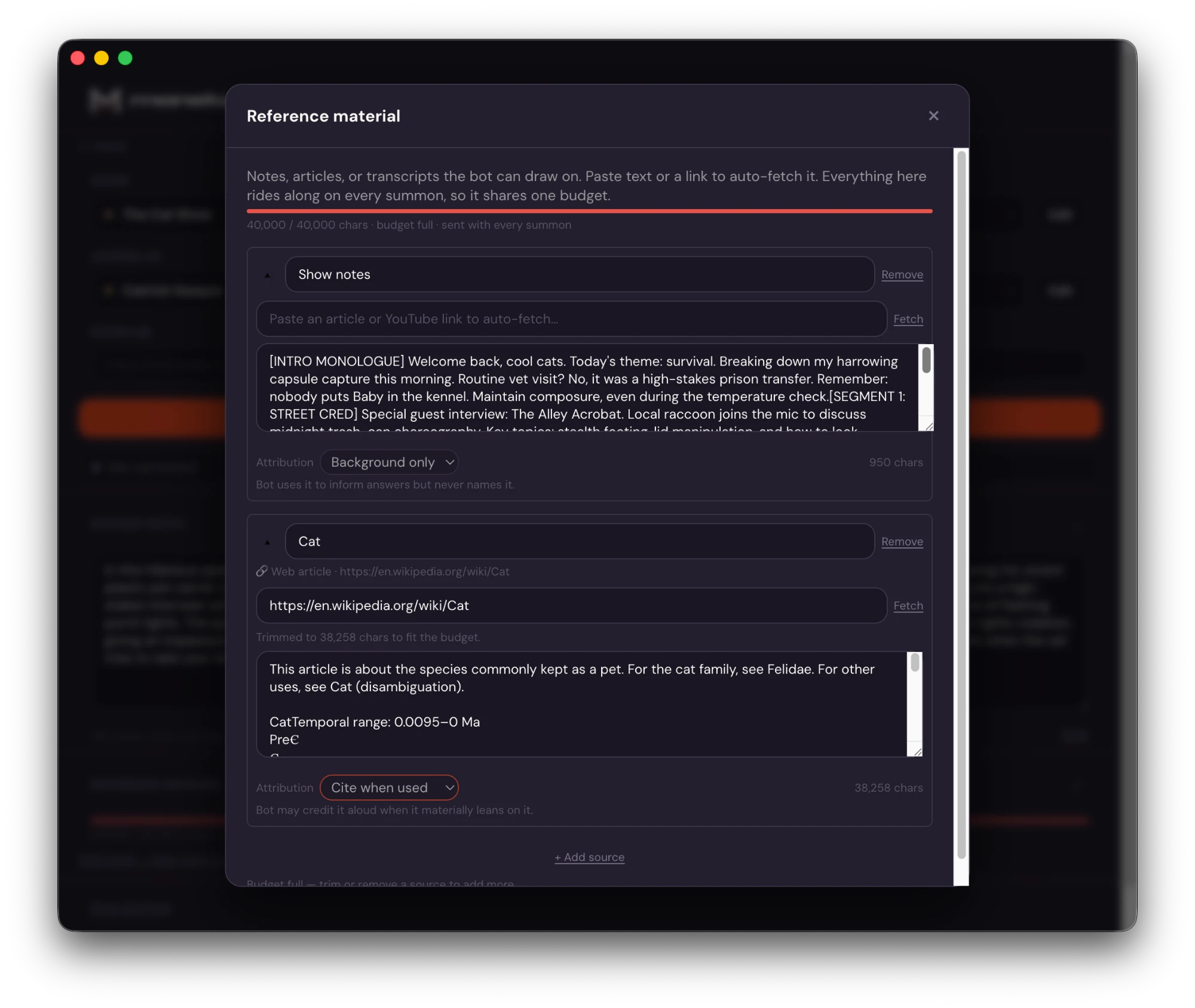
Optionally add episode notes (free-form context sent with every summon) and reference materials — paste an article or video link and Maneku pulls in the text so the co-host can draw on it. Then click Join Room. You'll see the status move from loading to filling in the name to joined; once it's in, the panel flips to the in-room view with your stage and transcript.
Before you record: let the room know an AI co-host is present and that you're recording. We've written ready-to-use scripts in the AI Disclosure & Consent Guide.
5. Summon the co-host
The co-host listens but stays quiet until you bring it in. When you want it to speak, summon it. There are three types:
| Type | What it does | Relative cost |
|---|---|---|
| Ask | A quick, lightweight reply to what's being said | Lowest |
| Research | Can search the web to back up its answer | Medium |
| Deep | A longer, more considered response | Highest |
Trigger a summon three ways:
- Button — the Summon button on the in-room stage.
- Hotkey — Ctrl+Shift+Space by default (rebindable in Settings).
- Stream Deck — a physical summon key that glows while the co-host talks. Two-minute setup.
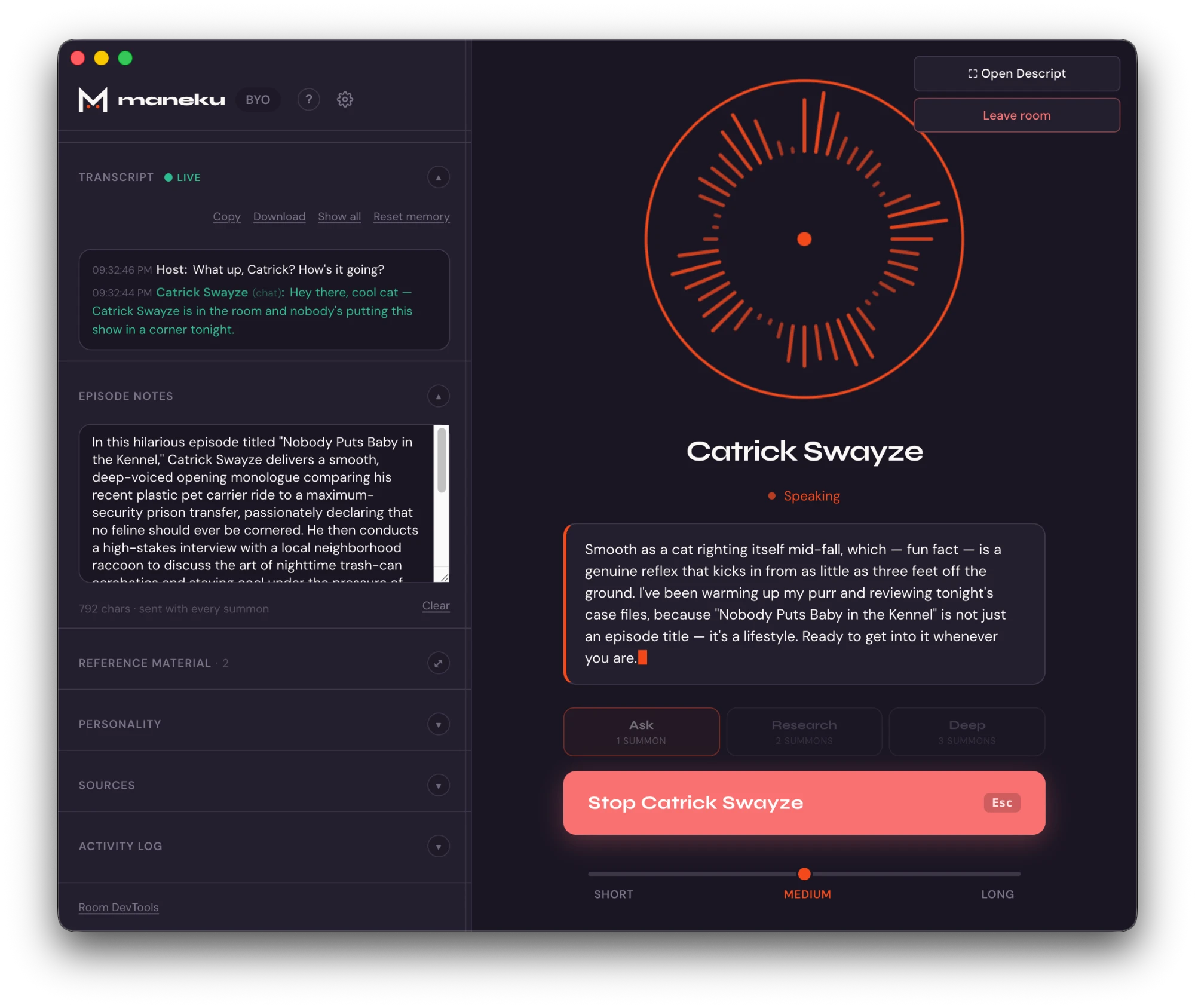
The co-host thinks, then speaks into the room. To cut it off mid-sentence, press Esc or hit Stop. A live counter in the header tracks summons and estimated cost for the session, and you can set budget alerts in Settings.
6. After the show
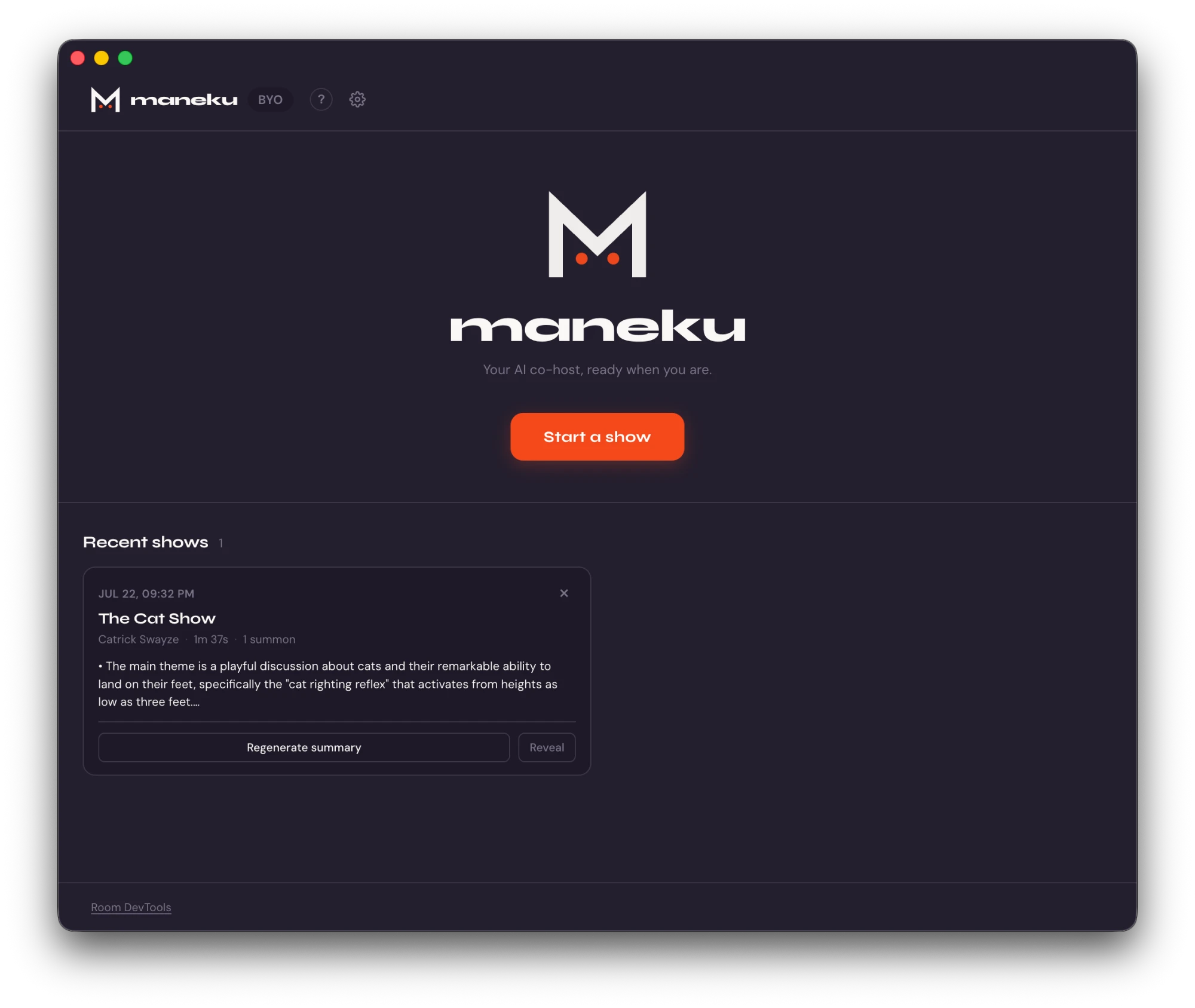
Your transcript and a session summary (duration, summon count, estimated cost) are saved on your device, and you can export the transcript from the app. Your personas, shows, and settings sync to your account so they follow you across devices. Transcripts do not sync — they stay on your machine. The full picture of what stays local and what doesn't is at Where your data goes.
Stuck on something? Head to Troubleshooting for fixes to the most common issues, or reach us at support@maneku.ai.